
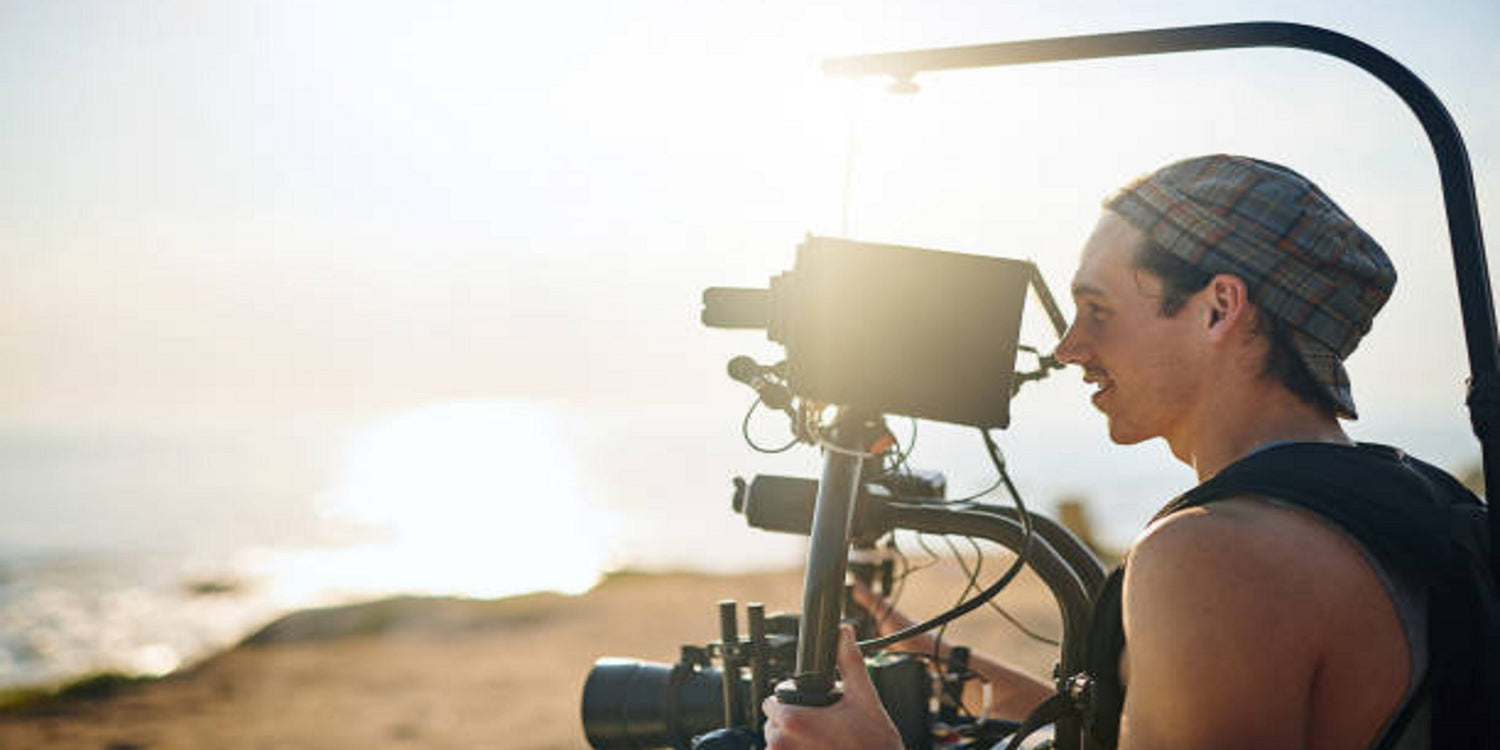
Why Vertical Video Matters in 2026
Vertical video is no longer a trend. It is the default format for how millions of people consume content every day. TikTok, Instagram Reels, YouTube Shorts, and Snapchat Spotlight all prioritize vertical (9:16) video, and the algorithmic preference is clear: mobile-first, vertical content gets more reach and more engagement than horizontal video cropped after the fact.
According to a report by eMarketer, short-form vertical video is the fastest-growing content format across all social platforms. For creators, the challenge is no longer just capturing footage. It is capturing content that is optimized for mobile viewing, visually engaging, and easy to publish without spending hours in post-production.
This is where a vertical video drone like the Skyrover S1 makes a meaningful difference. With native vertical shooting, AI tracking, and one-tap controls, it removes much of the complexity from aerial content creation and lets creators focus on what matters: the content itself.
Understanding Vertical Video: The Technical Basics
Before diving into shooting techniques, it helps to understand why vertical video from a drone is different from simply rotating horizontal footage.
The Cropping Problem
Most drones shoot in a horizontal (16:9) aspect ratio. To make that footage vertical, you have two options:
- Crop the horizontal frame: This throws away roughly 44% of your resolution. A 4K horizontal frame cropped to vertical becomes roughly 1080 pixels wide, significantly reducing image quality.
- Shoot in photo mode and pan: This is a manual workaround that sacrifices video quality and consistency.
The Skyrover S1 addresses this by offering native vertical shooting mode. The camera physically rotates its sensor orientation so that the full resolution is captured in a 9:16 vertical frame. No cropping. No quality loss. The footage comes out of the drone already in the correct format for social platforms.
Resolution and Quality
The Skyrover S1 features a 1/2" Sony CMOS sensor capable of 48MP still photos and 4K/60fps video. The 3-axis mechanical gimbal ensures that this high-resolution footage remains stable and smooth, even in moderate wind conditions. This combination of sensor quality, gimbal stabilization, and native vertical output produces footage that is significantly sharper than cropped horizontal video from a comparable drone.
Step-by-Step: How to Shoot Vertical Videos with Skyrover S1
Step 1: Quick Setup with One-Tap Takeoff
Start by powering on your Skyrover S1 and connecting to the companion app. Use one-tap takeoff to get airborne in seconds. The drone lifts off, hovers stably at about 1.2 meters, and waits for your input. This quick-launch capability is especially valuable for capturing spontaneous moments that would be gone by the time a traditional drone completes its startup and calibration sequence.
Before takeoff, do a quick check of your surroundings. Ensure you have a clear area free of overhead obstacles, and verify that GPS has locked on (the app will indicate satellite connection). This ensures the drone can maintain a stable hover and execute a safe return-to-home if needed.
Step 2: Enable Vertical Shooting Mode
In the app, switch to vertical shooting mode. This adjusts the camera orientation to capture footage in the 9:16 aspect ratio native to TikTok, Instagram Reels, and YouTube Shorts. The benefit here is not just convenience. Because the full sensor area is being used for the vertical frame, you retain maximum resolution and image quality without any post-shoot cropping.
Once vertical mode is active, your live preview in the app will display in vertical orientation, making it easy to compose your shot exactly as viewers will see it on their phones.
Step 3: Configure Camera Settings
Before you start filming, take a moment to set your camera parameters:
- Resolution: 4K/30fps for maximum quality, or 4K/60fps if you plan to apply slow-motion effects in editing.
- White balance: Auto works well in most conditions, but for golden hour or challenging mixed lighting, consider setting it manually.
- EV compensation: Dial up +0.3 to +0.7 in bright conditions to prevent the horizon from blowing out, especially over water or snow.
- Color profile: Standard for ready-to-post footage, or a flat/desaturated profile if you plan to color-grade in post.
Step 4: Use AI Auto Tracking
Activate AI Auto Tracking to keep yourself or your subject centered in the frame. This feature uses visual recognition to identify and lock onto your subject, following them smoothly as they move through the scene. It is especially useful for solo creators who are both the pilot and the talent.
AI tracking works best when the subject is clearly visible against the background, so avoid standing directly in front of complex patterns or large crowds if you want the most reliable tracking performance.
Step 5: Choose Your Shot Type
The Skyrover S1 offers several automated shot modes that work well in vertical format:
- Follow: The drone trails behind or beside you, keeping you framed as you move. Ideal for walking, running, cycling, or hiking content.
- Orbit: The drone circles your position, creating a dramatic rotating shot that looks impressive in vertical format because the viewer can see the full environment rotating around you.
- Reveal: Starts tight on the subject and pulls back to show the full scene. In vertical format, this creates a powerful sense of scale because the viewer discovers the landscape in the same direction they naturally scroll.
- Hover: Static aerial shot, useful for establishing a location or capturing a scene from directly above.
Pro Shooting Tips: Angle, Lighting, and Composition
Choose Dynamic Angles
Static aerial shots have their place, but the most engaging vertical drone content uses motion and angle to create visual interest:
- Low-to-high reveals: Start the drone at eye level, close to your subject, then slowly rise and pull back. This creates a sense of discovery as the landscape unfolds.
- Follow shots from behind: Position the drone behind and slightly above you as you walk or run toward something. The viewer sees you approaching the destination, building anticipation.
- Side tracking: Fly parallel to your subject for lateral motion. This works especially well for vehicles, boats, or people moving along a path.
- Top-down (bird's-eye view): Fly directly above your subject and look straight down. This is one of the most distinctive perspectives a drone can offer and works beautifully for patterns in nature, architecture, and group activities.
Shoot During Golden Hour
Lighting can make or break your video, regardless of how capable your camera is. The golden hour, the first hour after sunrise and the last hour before sunset, provides soft, warm, directional light that enhances nearly every type of outdoor footage. Shadows are longer and more dramatic, colors are richer, and the overall mood is more cinematic.
If golden hour is not an option, overcast days actually provide excellent, even lighting for aerial footage. The cloud cover acts as a giant diffuser, reducing harsh shadows and producing balanced exposure across the frame.
Apply the Rule of Thirds in Vertical Format
Composition principles still apply in vertical video. Place your subject slightly off-center using the rule of thirds. In a vertical frame, this often means positioning the horizon in the upper or lower third of the frame, and placing your subject along one of the vertical third-lines.
This off-center placement creates visual tension and interest that makes viewers want to keep watching, which is exactly what you need for social media content that competes for attention in a scrolling feed.
Take Advantage of Wind Resistance
With Level 5 wind resistance (handles winds of 17-21 mph), the Skyrover S1 can operate in outdoor conditions that would ground many consumer drones. The 3-axis gimbal compensates for drone movement caused by wind, keeping your footage smooth even when the drone itself is adjusting its position.
That said, for the smoothest possible footage, try to position the drone so it moves with the wind rather than fighting against it. A tailwind follow shot will always be smoother than a headwind approach.
Post-Processing Workflow for Social Media
Even excellent footage benefits from light editing. Here is a streamlined workflow optimized for vertical aerial content:
Basic Edits
- Trim for attention spans: 6 to 15 seconds is the sweet spot for TikTok and Reels. Start with your most visually compelling moment and cut everything before it.
- Adjust brightness and contrast: A slight boost to contrast and a small increase in saturation make aerial footage pop on small phone screens.
- Color correction: If your footage looks flat, apply a basic LUT or use your editing app's auto-enhance feature. Keep it subtle. Over-graded footage looks artificial.
Enhancements for Engagement
- Add trending audio or music: Sound drives discoverability on TikTok and Reels. Use platform-trending sounds to increase the chance of algorithmic distribution.
- Use captions or text overlays: Many viewers watch without sound. Adding short, punchy text makes your content accessible and keeps viewers engaged longer.
- Apply transitions: Simple cuts work best for aerial footage. Avoid flashy transitions that distract from the footage itself.
Recommended Editing Apps
- CapCut: Free, intuitive, and directly integrated with TikTok. Handles vertical footage natively.
- InShot: Quick mobile editing with good text and music options.
- DaVinci Resolve: For more advanced desktop editing with professional color grading tools. Free version is extremely capable.
Because the Skyrover S1 shoots natively in vertical format, you skip the biggest and most time-consuming editing step: reframing. This alone can save 15 to 30 minutes per video and preserves full image quality.
Real Use Cases: What Creators Are Filming
Travel Vlogs
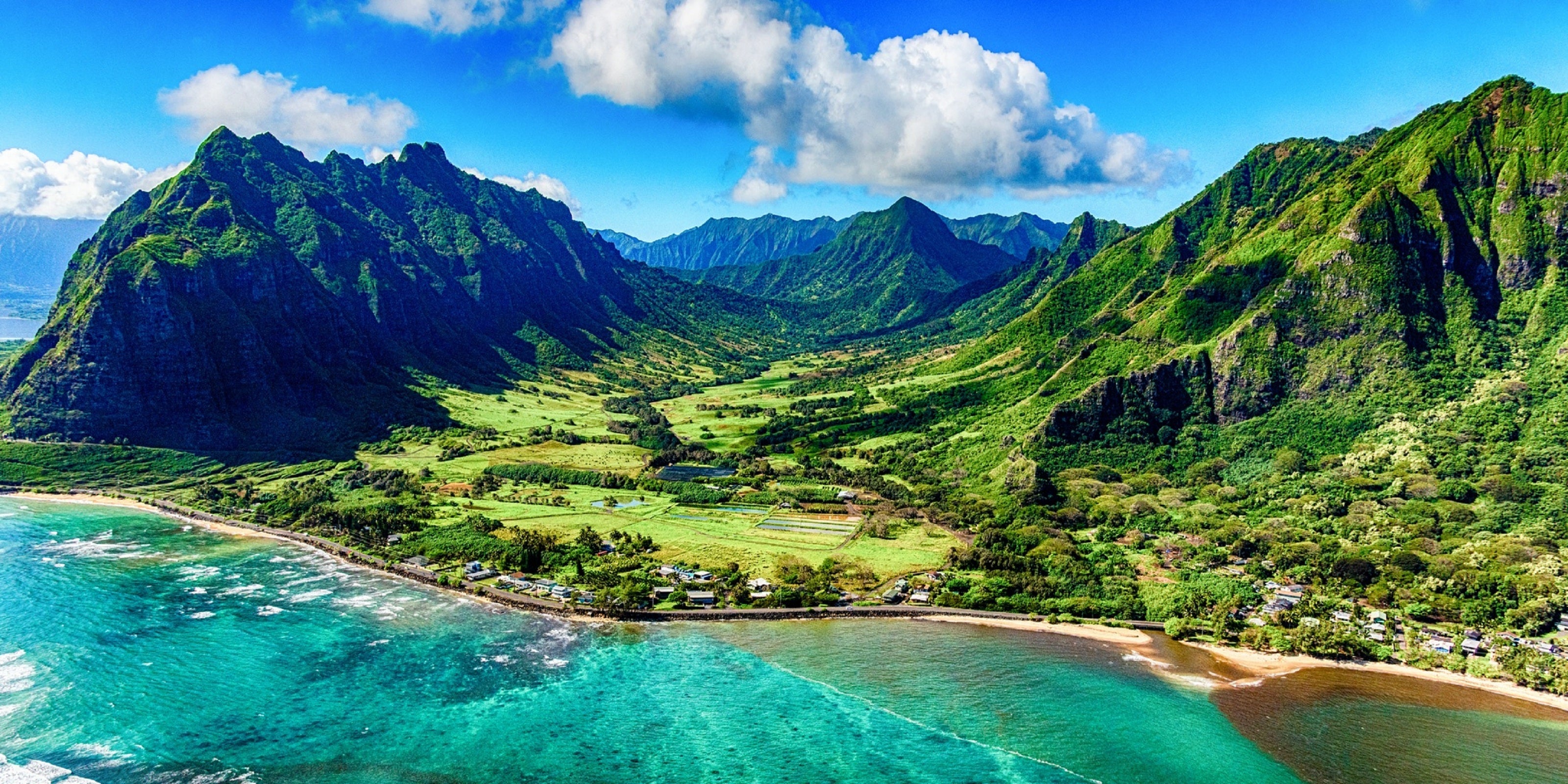
Capture scenic landscapes, coastal drives, mountain trails, and city walks in vertical format ready to post instantly. A 10-second aerial reveal of a hidden beach or a mountain summit is the kind of content that generates shares and saves on social media.
Fitness and Lifestyle Content
Use AI tracking to follow your movement, whether it is running along a trail, practicing yoga on a cliff, or completing an outdoor workout. The drone keeps you framed while capturing the environment around you, giving fitness content a cinematic quality that gym-phone footage cannot match.
Real Estate and Property Tours
Vertical aerial shots are increasingly used in real estate marketing on Instagram. A slow reveal shot that starts on a property and pulls back to show the surrounding neighborhood provides context that ground-level photos simply cannot convey.
Daily Social Content
Quick transitions, outfit shots, storytelling clips, and "day in my life" content all benefit from an aerial perspective. Even a simple overhead shot of a table setting or a group activity becomes visually interesting when captured from above.
Why Skyrover S1 Is Ideal for Vertical Video Creators
- Native vertical shooting: Full-resolution 9:16 output for social platforms, no cropping required.
- AI Auto Tracking: Hands-free filming for solo creators who need to be in front of and behind the camera simultaneously.
- Portable under 249g design: No registration required in many regions for recreational use, and compact enough to carry everywhere.
- 3-axis mechanical gimbal: Smooth, stable footage even in moderate wind, far superior to electronic stabilization alone.
- ~40 minutes of flight time: One of the longest endurance ratings in the sub-250g class, giving you more attempts to nail the perfect shot.
- ~$289 price point: Accessible for creators who are investing in their first aerial tool without wanting to spend premium drone prices.
- 12km transmission range: Plenty of range for creative compositions without losing the connection to your footage.
Start Creating Today
Creating professional vertical videos does not require a production crew or expensive equipment. The Skyrover S1 handles the technical challenges of aerial filming so you can focus on creativity. From one-tap takeoff to native vertical output and AI-powered tracking, it is designed to remove the barriers between your creative vision and a finished video ready to post.
Whether you are a travel creator, fitness influencer, real estate agent, or simply someone who wants more compelling social media content, vertical aerial video is one of the most effective ways to stand out in 2026.
Explore the Skyrover S1 and start shooting stunning vertical content at www.skyroverdrone.com



Leave a comment
This site is protected by hCaptcha and the hCaptcha Privacy Policy and Terms of Service apply.