
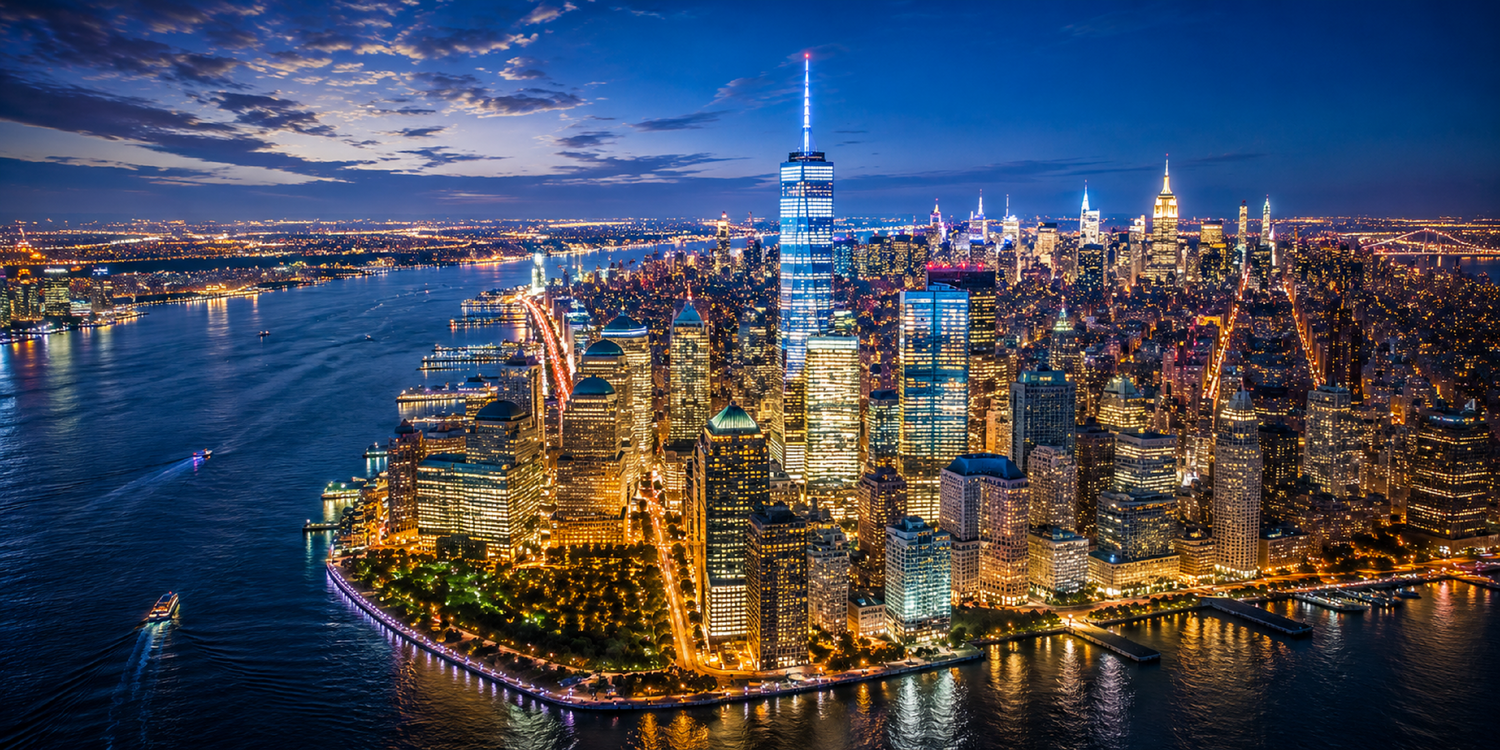
Quick answer: Good drone night photography starts with a permitted, unobstructed location and a short shot plan. Scout before dark, protect bright highlights, review motion blur at full size, and choose exposure settings for the light that is actually available. A brighter camera image does not mean the aircraft's obstacle sensors can work in darkness.
This is a practical low-light photography workflow, not a claim that every drone or location is suitable for night flight. Camera settings below are suggested starting points where supported by your model, not tested SKYROVER presets or a substitute for the manual.
Plan the flight before changing camera settings
Check the rules for your operation, the airspace, the launch location, and the equipment before scheduling an evening shoot. For U.S. Part 107 night operations, the FAA specifies relevant pilot training and anti-collision lighting visible for at least three statute miles with an appropriate flash rate. Other operating and airspace requirements still apply. See the FAA's night-operations overview; recreational flyers should consult the separate recreational guidance.
Do not assume the aircraft's built-in status lights satisfy your operating requirements. Check any accessory's compatibility and effect on takeoff weight and performance. A small drone does not automatically qualify for flights over people, moving traffic, or a public event.
Scout while you can clearly identify wires, branches, structures, people, and the landing area. Choose a location where you can maintain visual line of sight and a clear route for the entire flight. If you cannot meet those conditions, postpone or make a ground-camera photograph instead.
Start with blue hour rather than total darkness
The period around sunset can offer a more manageable balance between the sky and artificial lights. Plan your composition before the light changes so you are not exploring an unfamiliar site while trying to adjust exposure. Blue hour is a photographic description, not a legal exemption from applicable flight rules.
For a first attempt, choose one wide composition with a clear foreground and a limited number of bright light sources. A well-composed still photograph is a better starting goal than a long automated movement through a complex scene.
Night photo settings: a starting workflow
Set a baseline exposure
If the camera supports manual exposure, begin with a low ISO and a shutter speed that produces a sharp test image under the actual conditions. ISO 100 to 400 can be an initial trial in a sufficiently illuminated scene, but is not a required range. Increase sensitivity when necessary rather than insisting on a low ISO while every frame is blurred.
Check the actual recorded file, not only the small live preview. Examine building edges and point lights for blur. If they smear, shorten the exposure and reassess. A hovering aircraft is not a fixed tripod, so a long exposure that works on the ground may fail in the air.
Protect bright detail
Lit signs and windows can lose detail while the rest of a scene still looks dark. Where the app provides a histogram or highlight warning, use it alongside a test frame. Avoid making the entire scene look like daylight if doing so clips the lights that give it character.
Keep white balance consistent
Mixed streetlights can produce large color differences. Where supported, choose a consistent white-balance setting for a sequence, then make modest corrections during editing. There is no single color-temperature value that fits every location.
Choose the file format you can edit
Use RAW only if the selected camera mode supports it and you have a workflow for processing it. Otherwise, expose JPEG carefully and avoid extreme shadow recovery. Confirm available formats in the current app rather than assuming every photo mode offers the same choices.
Low-light video needs a separate decision
Do not copy still-photo exposure settings into a video sequence. Choose the delivery frame rate first. As a conventional starting point for natural-looking motion, 30 fps video may use a shutter near 1/60 second where supported, but available light, motion, and flickering lamps can require a different choice. Review a test clip before committing to a sequence.
A higher frame rate is not automatically better after dark. It can leave less exposure time per frame. Use high-frame-rate recording only when the lighting and intended edit justify it. Favor short, slow, simple camera movements over abrupt pans that make motion and noise harder to evaluate.
If lights show bands or pulsing, adjust supported shutter or anti-flicker settings and test again. Do not assume a lighting frequency from the country alone; individual lamps and signs can behave differently.
SKYROVER X1 night mode versus flight sensing
The X1 product page lists AI Night Mode as an imaging feature. Evaluate its output against the look you want, but do not interpret camera processing as improved obstacle detection or permission to fly a darker route.
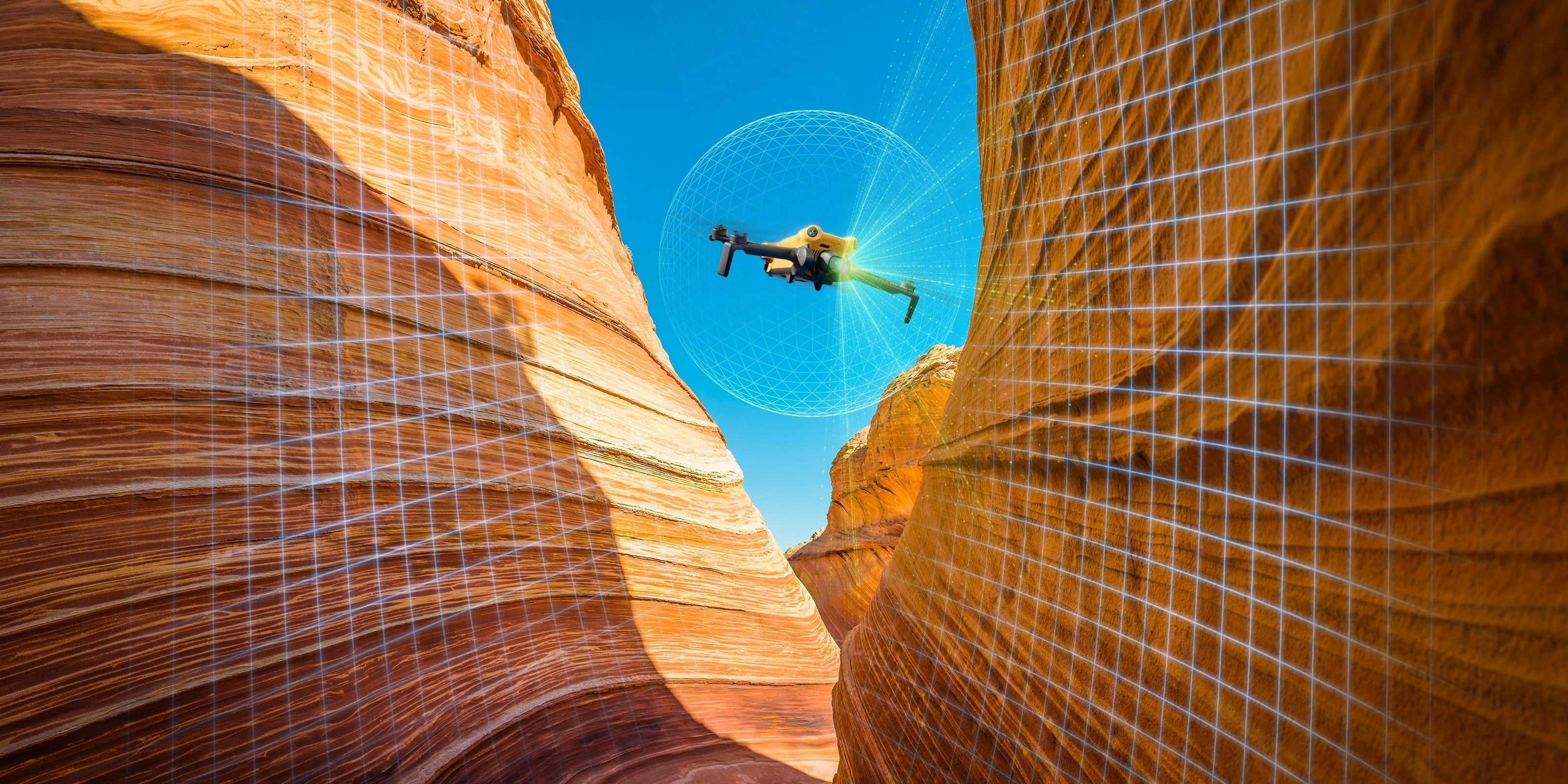
The S1 manual specifically warns that its vision system is unavailable at night. Read the relevant sensing restrictions for your own model in the SKYROVER manuals. Our obstacle-avoidance comparison explains why imaging, positioning, and obstacle sensing must be evaluated separately.
When choosing between X1 and S1, compare the supported camera modes and your editing needs, then separately decide whether the proposed flight can be conducted safely. Product choice cannot compensate for an unsuitable location.
A short evening-shoot sequence
- Before departure: verify permissions, operating requirements, weather, camera modes, storage, and the complete battery kit.
- Before dark: inspect the site, frame the intended photograph, and identify a clear return and landing area.
- Before takeoff: check aircraft status, home point, lighting requirements, and return settings.
- First capture: make the simplest planned composition and avoid unnecessary movement.
- Review: inspect focus, blur, clipped highlights, noise, and flicker after landing.
- Optional second session: change only the setting or composition that needs improvement, provided conditions remain suitable.
Do not extend the session just because the light is attractive. Use the battery planning guide to reserve recovery time. For a property assignment, also use the real-estate photography workflow for site planning and agreed deliverables.
Editing without overstating the result
Choose the sharpest file before applying noise reduction. Correct the horizon and white balance, recover highlights where the file allows, and lift shadows gradually. Excessive noise reduction can erase fine detail; excessive sharpening can create bright outlines around buildings.
Keep an unedited original and compare at the intended viewing size. For property marketing, disclose material alterations and avoid edits that misrepresent the property. A clean, believable image usually tells the story better than an artificially bright scene.
Drone night photography FAQ
What ISO should I use?
Use the lowest setting that still gives a useful exposure and acceptable motion sharpness. A low-ISO number is not valuable if the shutter is too slow for the conditions.
Can I use a long exposure from a hovering drone?
Only if the mode supports it and the resulting image is acceptably sharp. Start conservatively and inspect recorded files; do not assume hovering removes all movement.
Does night mode improve obstacle avoidance?
No such assumption should be made. Night-mode imaging and flight-sensing capability are different systems with separate limitations.
Is a night-flight guide enough to authorize my flight?
No. Confirm current official rules, permissions, equipment, and model limitations for the specific operation.
Sources and review notes
- FAA Part 107 night-operations overview.
- FAA recreational flyer guidance.
- SKYROVER user manuals: sensing and operating limitations.
- SKYROVER X1 official camera features.
Reviewed September 28, 2026 by SKYROVER Editorial Team. Suggested settings are starting points, not measured performance claims. This update separates photography advice from flight-safety requirements.



Leave a comment
This site is protected by hCaptcha and the hCaptcha Privacy Policy and Terms of Service apply.